
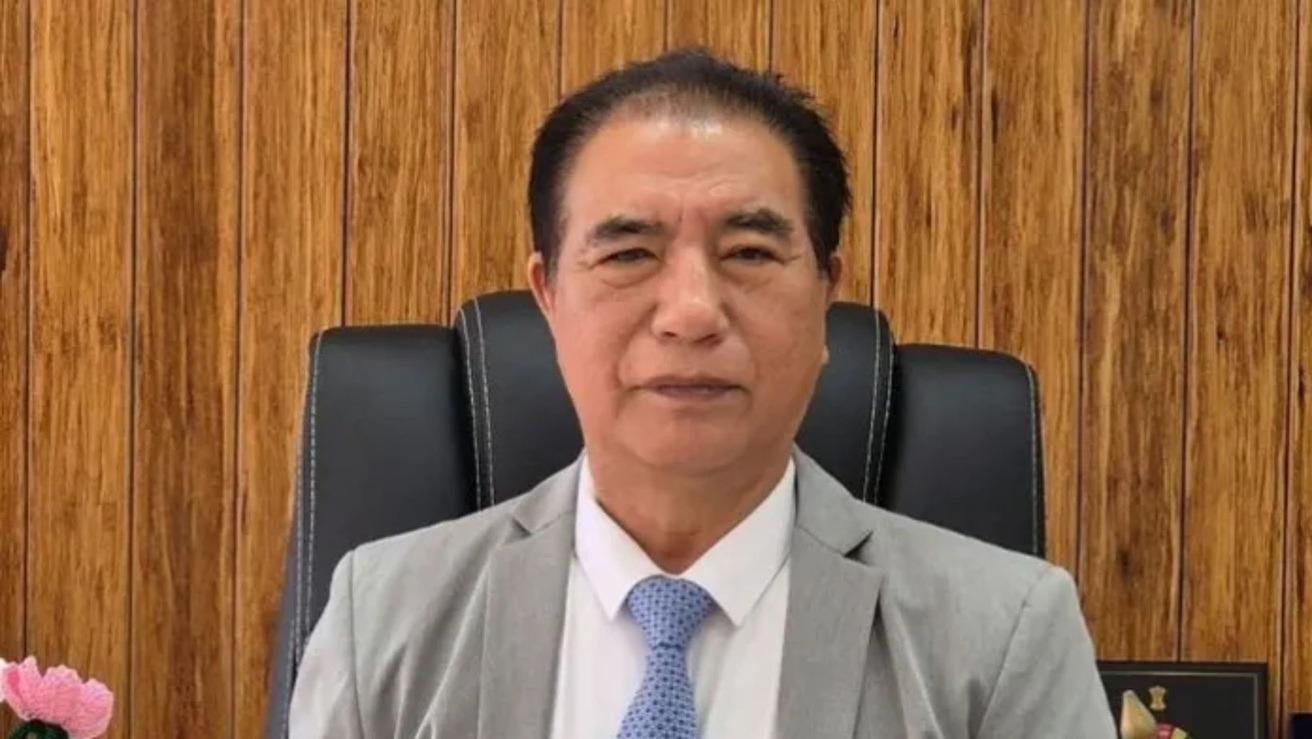
How To Contact Chief Minister [CM] of Mizoram?
You can contact the Chief Minister of Mizoram, Lalduhoma, by visiting or writing to the Chief Minister’s Office at McDonald Hill, Zarkawt, Aizawl, Mizoram-796001, calling 0389-2342150, or emailing cm@mizoram.gov.in.
Write To Us:
Chief Minister’s Office
Mcdonald Hill, Zarkawt
Aizawl, Mizoram- 796001
Email:
cm@mizoram.gov.in / cmmizoram@hotmail.com
Phone Number:
0389 – 2342150
0389 – 2342163
0389 – 2322517
0389 – 2346134
Mizoram Grievance Redressal
Mipui Aw is an online platform where citizens can lodge complaints with public authorities on any topic related to service delivery. Each department has role-based access to this system. The status of a grievance submitted to Mipui Aw can be checked using the unique registration ID provided by the complainant at the time of registration.
Mipui Aw also provides an appeal facility if people are not satisfied with the decision of the Grievance Officer. If the complainant is not satisfied with the resolution, he or she may provide feedback after the grievance is closed. If the rating is ‘Poor’, the option to file an appeal is enabled.
Register :
1. To login to Mipui Aw, open the internet browser and type https:// mipuiaw.mizoram.gov.in on the address bar.
2. Click on the Register Button and fill in the necessary information. After entering the name, email, password, district, phone number and other details correctly, click the Submit button.
3. You will receive an OTP through SMS on your registered mobile number. OTP has to be entered within 30 secs. If you cannot enter the OTP within 30 secs, kindly press on the Re-send OTP button. After entering the correct OTP, you will be led directly to the Dashboard without having to login separately.
Login:
1. Type in the same Email Id and Phone number you used while registering and click-on the Login Button.
2. In case you forget your password, go to Forgot password and type in your Email Id (same as the one you registered). A link will be sent to your Email to enable you to reset your password
Lodge Grievance:
1. Lodge Grievance is where we submit our grievances.
There are 3 steps involved:-
a) Step 1: One account/person can send up to 15 grievances in a month. List of issues that cannot be treated as grievance are displayed, after reading the list, select on Checkbox and click-on Next.
b) Step 2: There will be options to select the Departments. A green dot beside the department’s name indicates that the department has been registered and a red dot indicates that the department has not been registered i.e. it is not functional yet.
c) Step 3: Any supporting document regarding the grievance can be attached. This step is entirely optional and can be submitted without attaching any document.